Linux Guide Navigation List | Next: Conclusion | Back to Start
Gaming

I am saving this for last, since the rest of the guide is more for general-use. Gaming on Linux is in a really good place right now, especially compared to a decade ago, to the point where you can more-or-less use it for the vast majority of your library, only needing a Windows install for a handful of specific games that won't play nice.
It may require a bit of legwork to get gaming working right, and picking a distro that works well out-of-the-box will make your life easier. You can game on basically all of them, but gaming is more reliant on up-to-date drivers and Vulkan graphics and other things, so you may need to prioritize distros that stay closer to the cutting-edge.
The Basics
So, first thing's first. Gaming on Linux usually involves running software designed for Windows. This means that WINE is the backbone of the experience. As mentioned before, WINE basically translates Windows instructions to Linux ones, allowing your computer to perform the same tasks with minimal performance loss. It's far, far more efficient and reliable than running an emulator or virtual machine, and allows you to use 100% of the capacity of your machine to play the game, instead of putting those resources into "pretending" to be a different machine entirely.
Valve, the company behind the PC gaming storefront Steam, has been a key contributor in making gaming on Linux viable. For one, they are the main contributors to DXVK, which translates DirectX code to Vulkan code. This is absolutely essential for basically every 3D game. Steam has been involved with this for years now, and it was a stepping stone needed for everything else to work.
They also developed a thing called Proton, which is basically a tweaked version of WINE tailor-made to run video games. Proton has gone through several iterations now, and has matured to a point where over 90% of Steam's inventory will run to some degree. It's super simple to set up too. Right click on a game in your library, open up properties, go down to Compatibility, and you can pick a Proton version to try!
Others have iterated on Valve's work too. I usually use a community-tweaked version of Proton called "ProtonGE," put together by the user GloriousEggroll. ProtonGE has some additional tweaks that, in my experience, seem to make some games run a bit more smoothly.
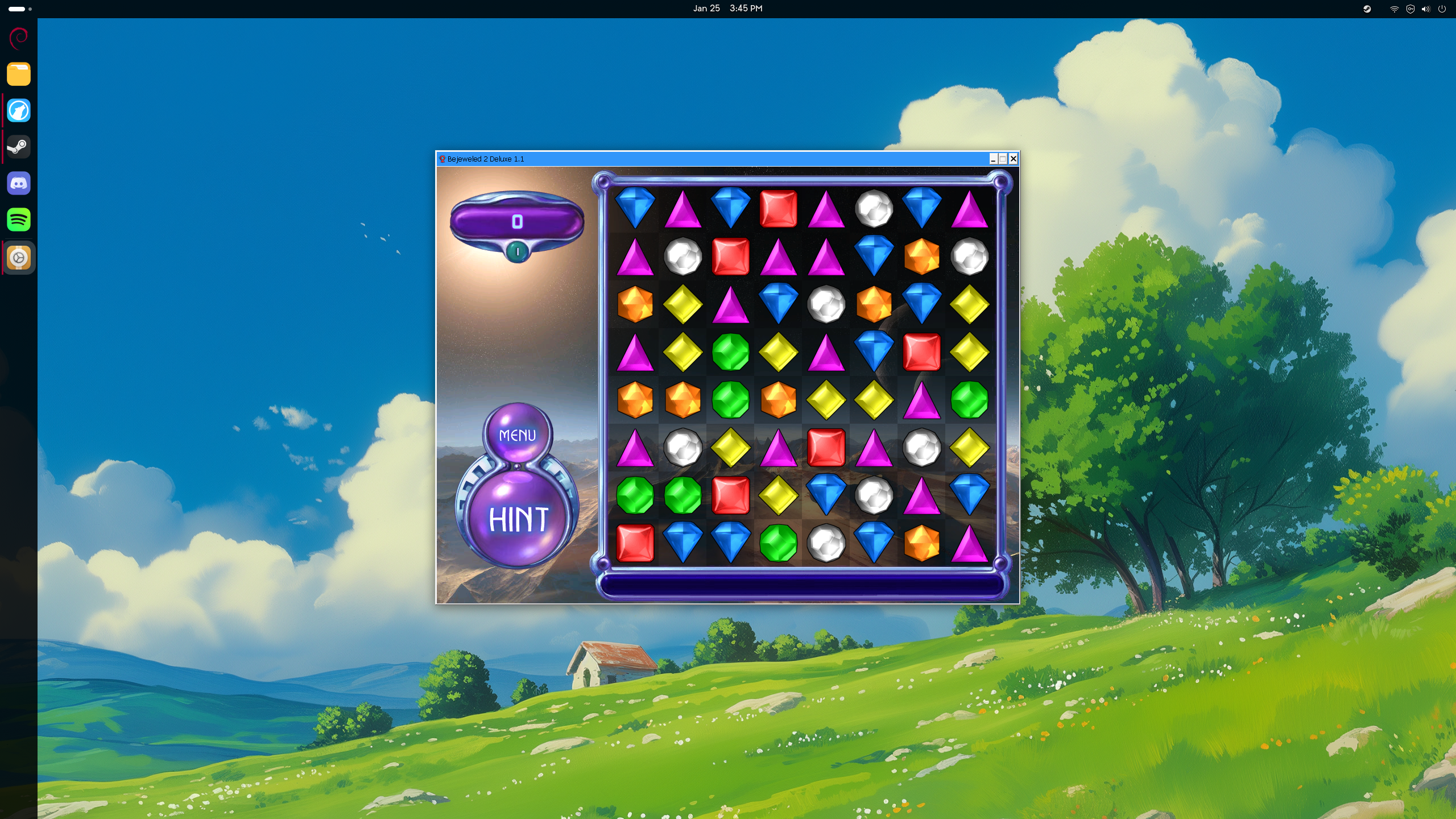
Pushing the limits of gaming technology, running Bejeweled 2 Deluxe through Proton :p
Steam isn't the only game in town though! There are also a couple game launchers that let you run Linux- and Windows-native games without needing Steam's infrastructure. This is especially helpful for older or alternatively sourced games that just need to be installed and ran. My personal preference is Lutris, since its setup is just advanced enough that I can easily tweak things as needed. However, both the Heroic Launcher and Faugus Launcher are lauded by their users.
With WINE and Proton and these game launchers, gaming on Linux is more well-rounded and approachable than ever!
What Won't Work?
While things have improved dramatically, things still aren't perfect. Some games just fundamentally will not run, and others have features that don't play nice on Linux. Hardware support can also be a little complicated.
First and foremost, do not expect 100% of your library to carry over. For one reason or another, some games are coded in such a way that they simply will not work on WINE/Proton. If there's a workaround, there's a chance that not enough people want that specific game working on Linux to find it.
Competitive multiplayer games are basically a no-go too. This is because the developers and publishers expect these games to run with kernel-level anticheat software running in the background, ensuring at a hardware level that the user is not doing anything to get an unfair advantage. While understandable, that is also a significant security risk. Linux, as a rule, closely guards its kernel from outside influence, so anti-cheat on Linux doesn't drill that deep into the OS. As such, publishers are quick to prevent Linux users from playing their games outright, or ban Linux users for allegedly trying to circumvent anti-cheat measures.
There is also a chance that some gaming peripherals will not work as intended. Gaming mice and keyboards that usually use a third-party management program like Razer Synapse or Corsair iQue will not have the same support on Linux. Thankfully, folks have developed FOSS replacements that mostly get the job done, but it's imperfect. My Corsair wireless headset, for instance, cannot have its RGB lights changed in Linux at present. Some steering wheels, joysticks, or flight yokes can also be a hassle, needing FOSS software replacements or just outright not working.
Likewise, the USB to audio cable for Rocksmith, the guitar game/learning software does not work out of the box, requiring the user either set up an audio production hardware stack, or make significant changes to the audio setup on their PC. This is a game I choose to run on Windows because of it.
Bleeding edge hardware will also not work immediately. Linux's kernel often requires a few months of development before introducing support for new hardware. So, if you go out and buy the newest CPU and GPU, it will likely be at least half a year before those actually work.
Finally, there's a specific range of Nvidia graphics cards that can be a bit of a hassle to get running. The GTX 900 and 1000 series are from a specific transitional period in Nvidia's architecture. Those changes made those cards powerful for their time, but did not follow the way they did things before or after, which kinda leaves them in development limbo. They've gotten old enough and become a small enough segment of the market that there hasn't been a ton of attention given to solving their specific issues, so they just kinda don't work right. Older cards work great with legacy drivers and GTX 1660 and newer cards get plenty of support and driver updates, but those middle-child cards from the early-mid 2010s aren't really viable.
Where to Start
The rest of the guide still applies for gaming rigs, though I will make some slightly different recommendations on starter distros. Linux Mint, while amazing for general use, is not optimized for gaming. I don't recommend starting there with any machine specifically intended for gaming. Likewise, Debian's 2-year development cycle can make users feel left behind near the end of that cycle, as graphics drivers and other things lag behind. Even when new, Debian is often a year or more behind on drivers, which can be problematic. Depending on your hardware and what games you intend to play, this may not matter too much, or it could make a significant difference in your experience.
I would highly recommend Fedora, or one of the gaming distros based on it. Fedora is in a Goldilocks zone between the stable but out-of-date approach that Debian uses, and the sort of cavalier bleeding-edge hope-it-doesn't-break rolling release cycle seen on Arch Linux. As such, it's a great starting point for setting up a machine that gets the most out of its hardware, without needing to be constantly babysat and fixed when updates roll in.
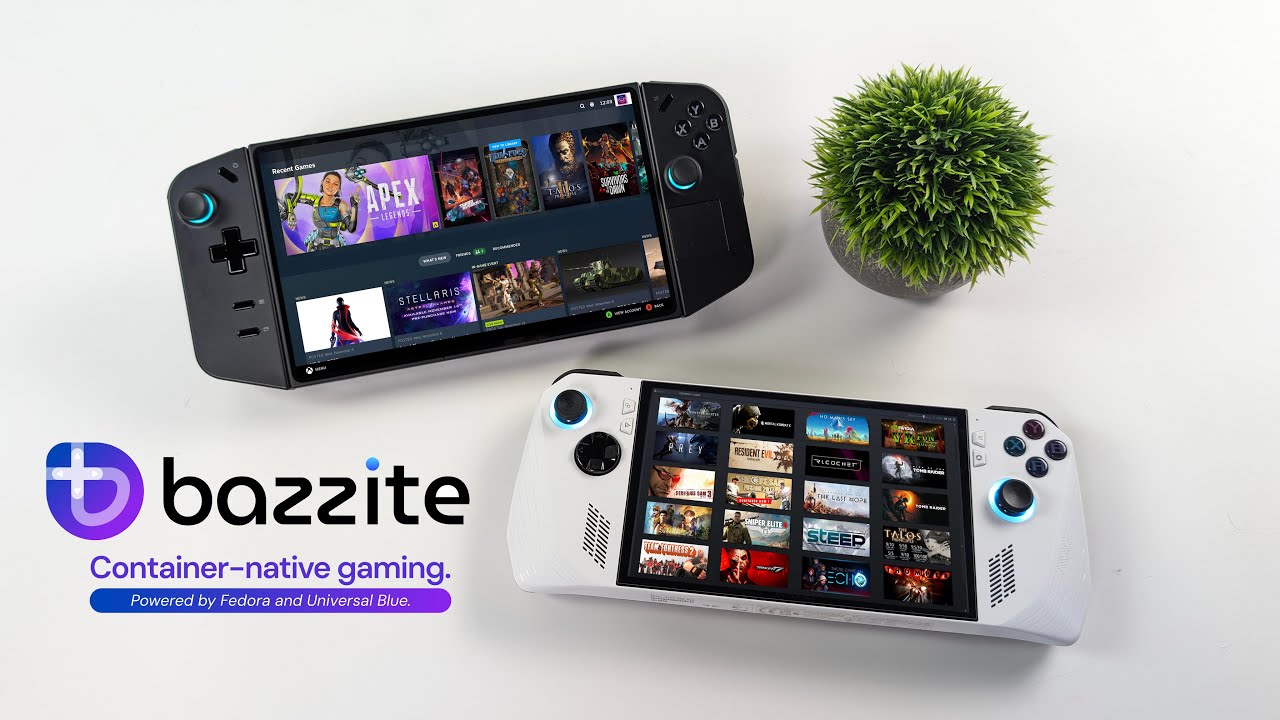
Of those options, you have vanilla Fedora, the atomic gaming spinoff Bazzite, and the community-maintained distro Nobara. The first basically involves a normal Fedora install, then adding your gaming software as needed. For the vast, vast majority of users, you likely will not need anything special, so this will work fine.
The second option, Bazzite, is an excellent option for folks who just want a working machine and do not want to futz around with stuff, or worry about breaking something. As an "atomic" or "immutable" distro, all the system settings are more-or-less off limits. Bazzite also ships with most of the essential software, including launchers and controller support and other tools to tweak the experience. Those are all things you can get on regular Fedora too, but this take a lot of guess work out of the process. The main selling point of Bazzite is also the main drawback, since the locked-down system means that you can't easily make changes if you want to or need to. Still, for new users who basically want to see what a SteamOS-like experience on desktop is like, Bazzite is the easiest way to make that happen!
Finally, Nobara is my top recommendation. It's a project spearheaded by the same GloriousEggroll who develops ProtonGE, and his team basically tweaks Fedora to be what they feel is the best gaming experience possible on Linux. These folks are really good at what they do, and I would trust their work.
One blind spot for me is anything Arch Linux-based. Manjaro, EndeavourOS, and CachyOS are all built on Arch, which is an ecosystem I don't really mess with. It's more cutting edge than I would like to deal with, and updates can require tinkering to get working right. People swear by CachyOS most of all, but I cannot speak to it.
If you can, get a ~500GB ssd, remove your pre-exisiting drives from your gaming machine, and give it a try! If it doesn't pan out, you can always go back.
Next: Conclusion